
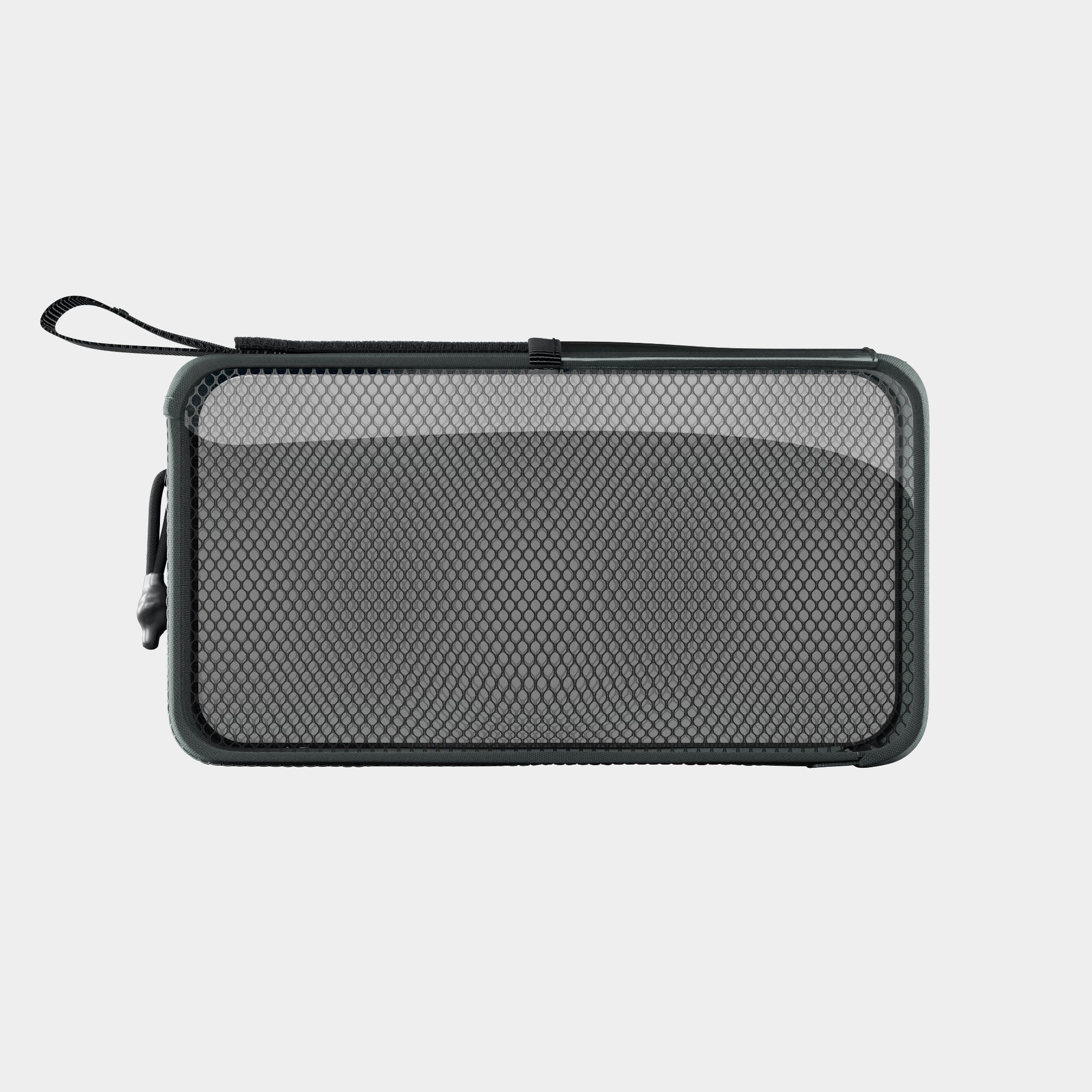
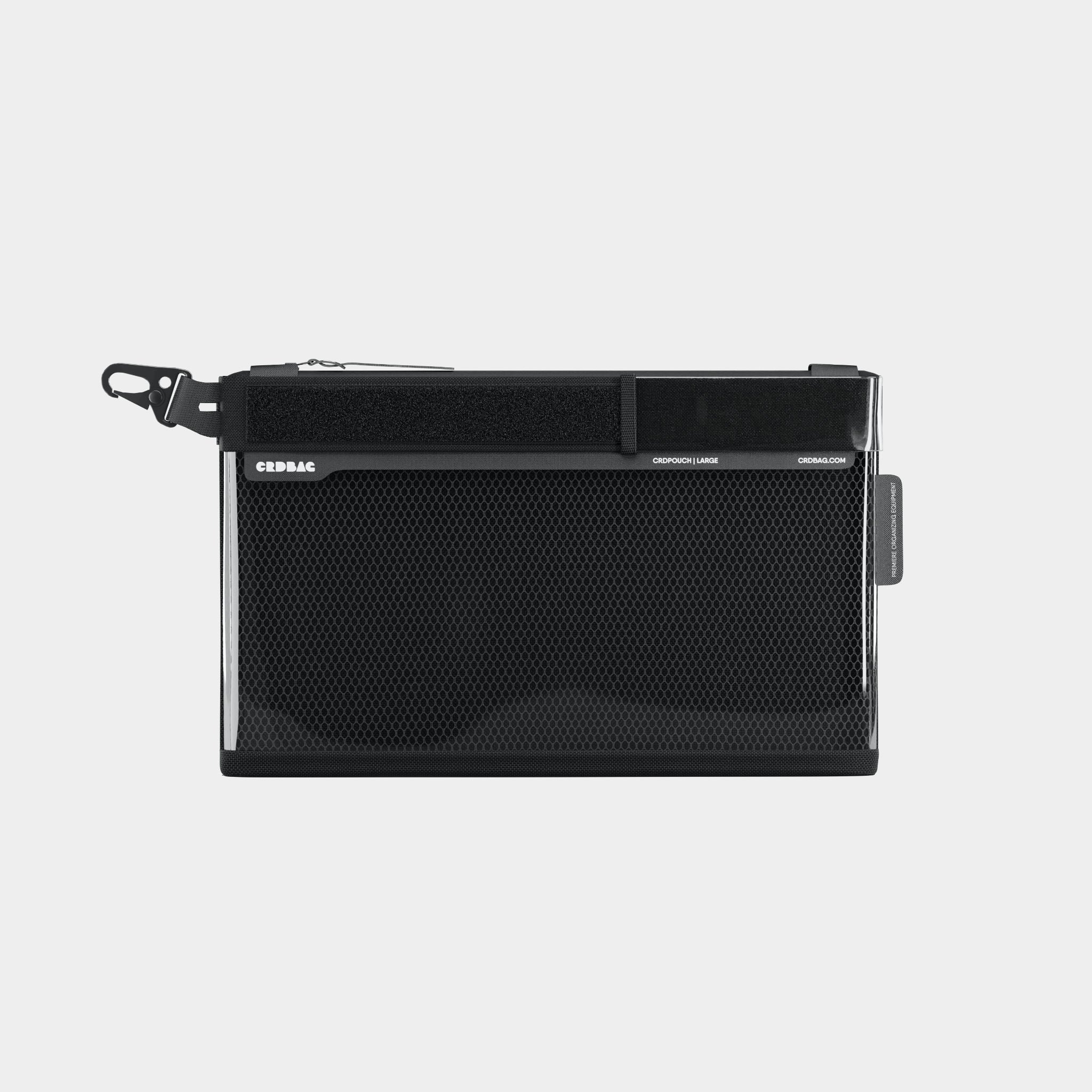
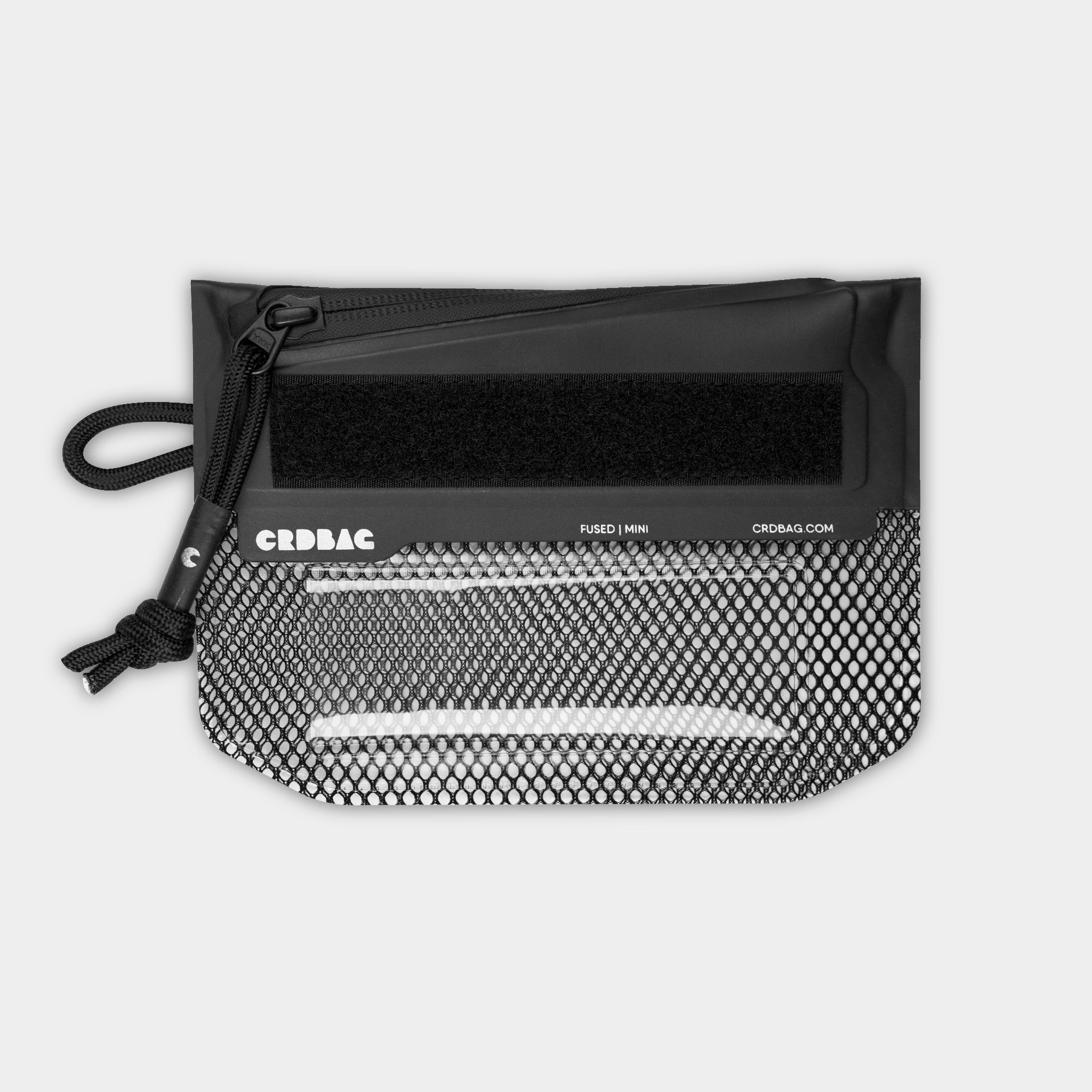
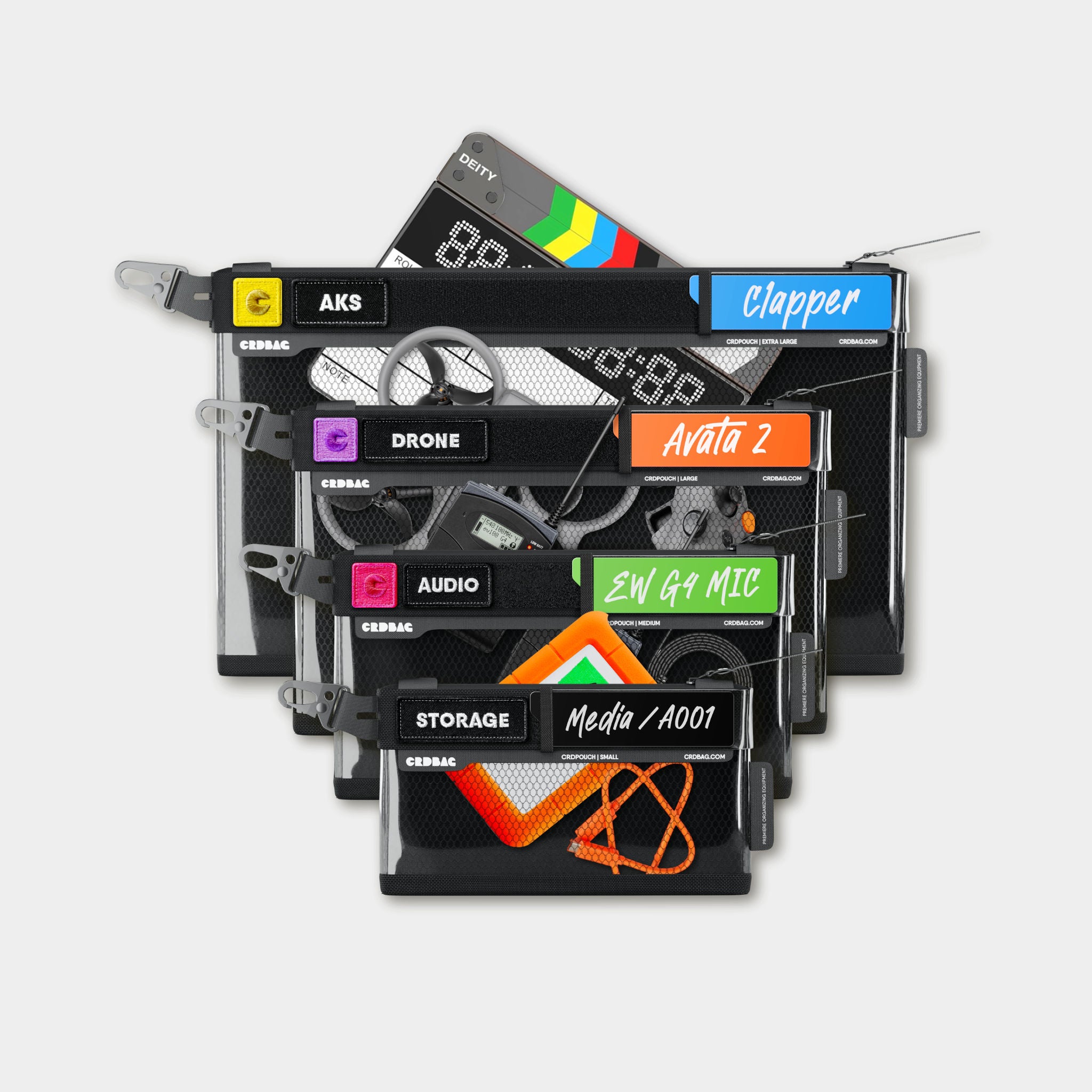
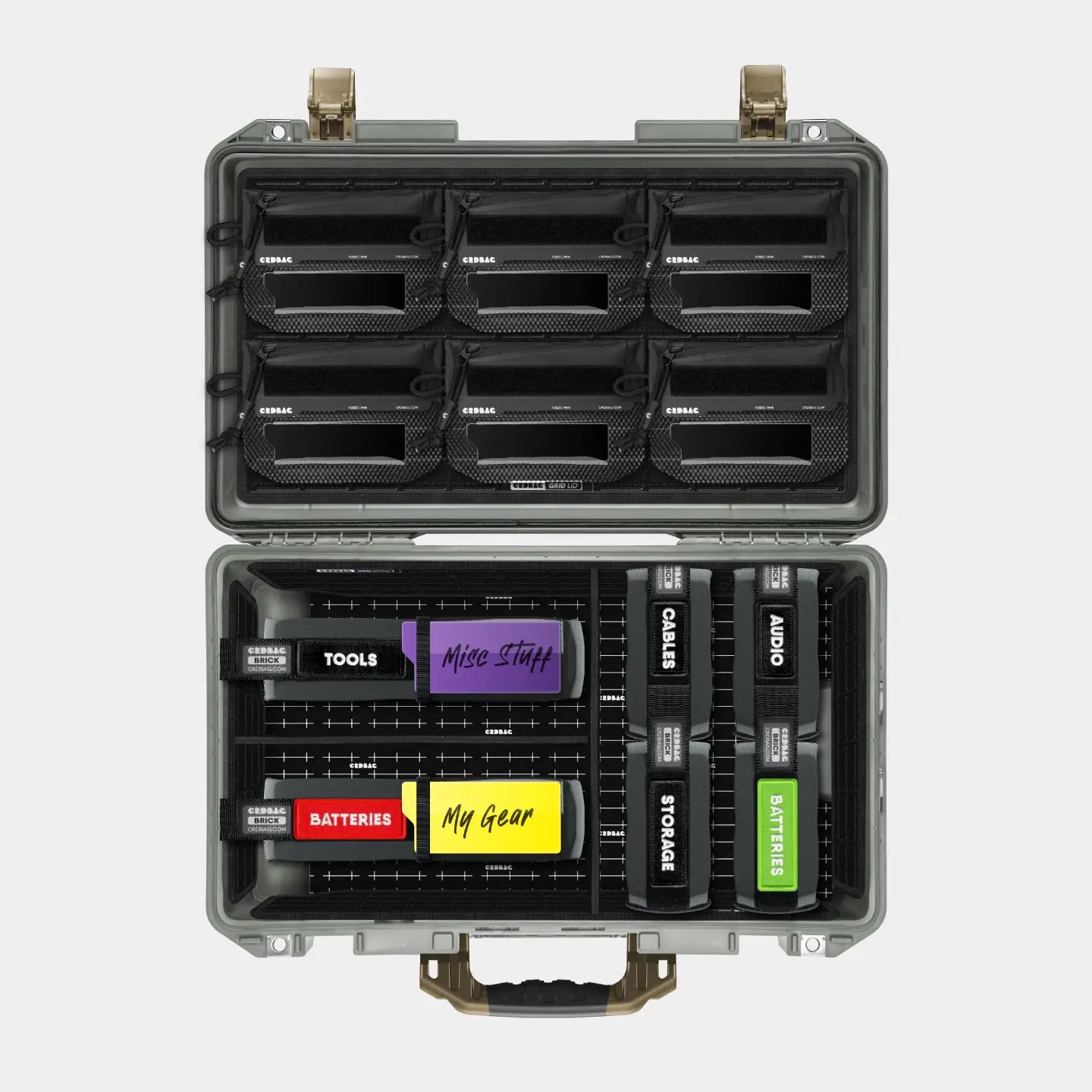

When it comes to organizing your gear, one thing becomes obvious very quickly:
size matters.
That’s exactly why understanding the different CRDBAG Brick sizes is key, not just to store your equipment, but to protect it, track it, and actually find it when you need it.
In this guide, we break down the three CRDBAG Bricks: Half, Full, and Mega, with real-world examples so you can choose what works best for your setup.

Meet the CRDBAG Brick System
CRDBAG Bricks come in three sizes:
- Half Brick → Compact, everyday essentials
- Full Brick → Versatile, medium gear
- Mega Brick → Maximum capacity + customizable protection
The Mega Brick also comes with optional padding and dividers, giving you more structure and flexibility depending on your needs.

The Half Brick: Small but Mighty
If you think small means limited, you’ll be surprised.
The Half Brick is perfect for:
- Camera batteries (fits ~12–15 standard lithium batteries)
- GoPro kits (cameras, mounts, accessories)
- USB / USB-C cables
- Small chargers (like a MacBook charger)
- Creative tools (up to ~20 Posca pens)

👉 Think of it as your grab-and-go organizer, compact, efficient, and easy to stack.
The Full Brick: The All-Rounder
The Full Brick is where things start getting serious.
It’s ideal for:
- Larger batteries (like flash batteries)
- Drone batteries (fits ~4-8)
- Chargers and bulky cables
- Tools (screwdrivers, multi-tools, etc.)
- Even drones.

It strikes the perfect balance between capacity and accessibility, you can carry a lot without overpacking or losing visibility.
The Mega Brick: Maximum Capacity, Maximum Control
The Mega Brick is built for those who carry more, and need structure.
Without inserts:
- Fits up to 8 large batteries (example of the Godox flash batteries)
With dividers:
- Around 6 batteries, but with custom compartments

It’s perfect for:
- Bulk battery storage
- Full drone kits (with extra protection)
- Separating charged vs empty gear
- Organizing complex setups with multiple components
👉 This is your mobile storage system, not just a pouch.
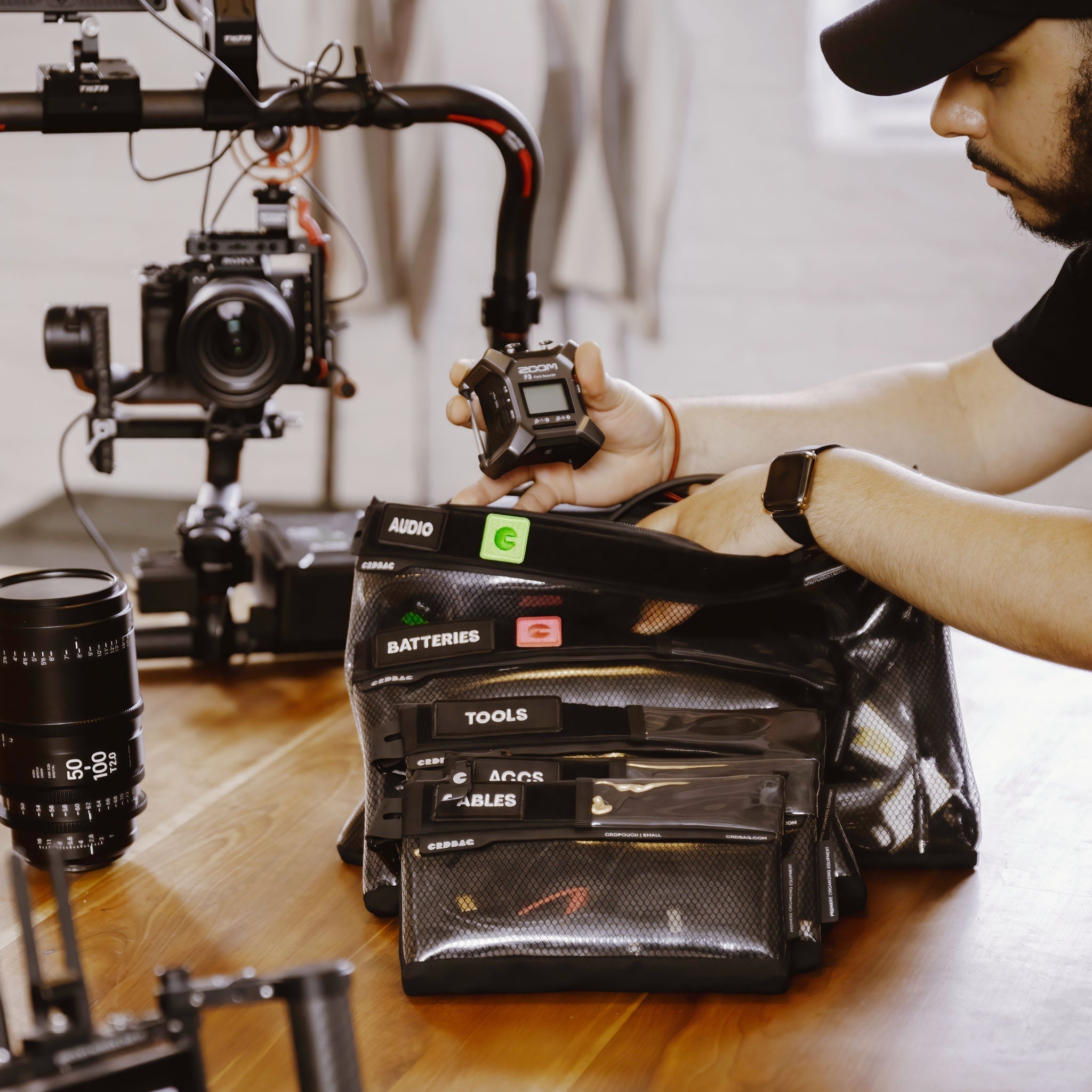
Smart Use Case: Battery Management
If you’ve ever lost track of which batteries are charged, you’re not alone.
A simple system:
- One Brick = charged
- One Brick = empty
- Use CRDBAG patches to label and track

It’s a small change that saves time and avoids mistakes on set.
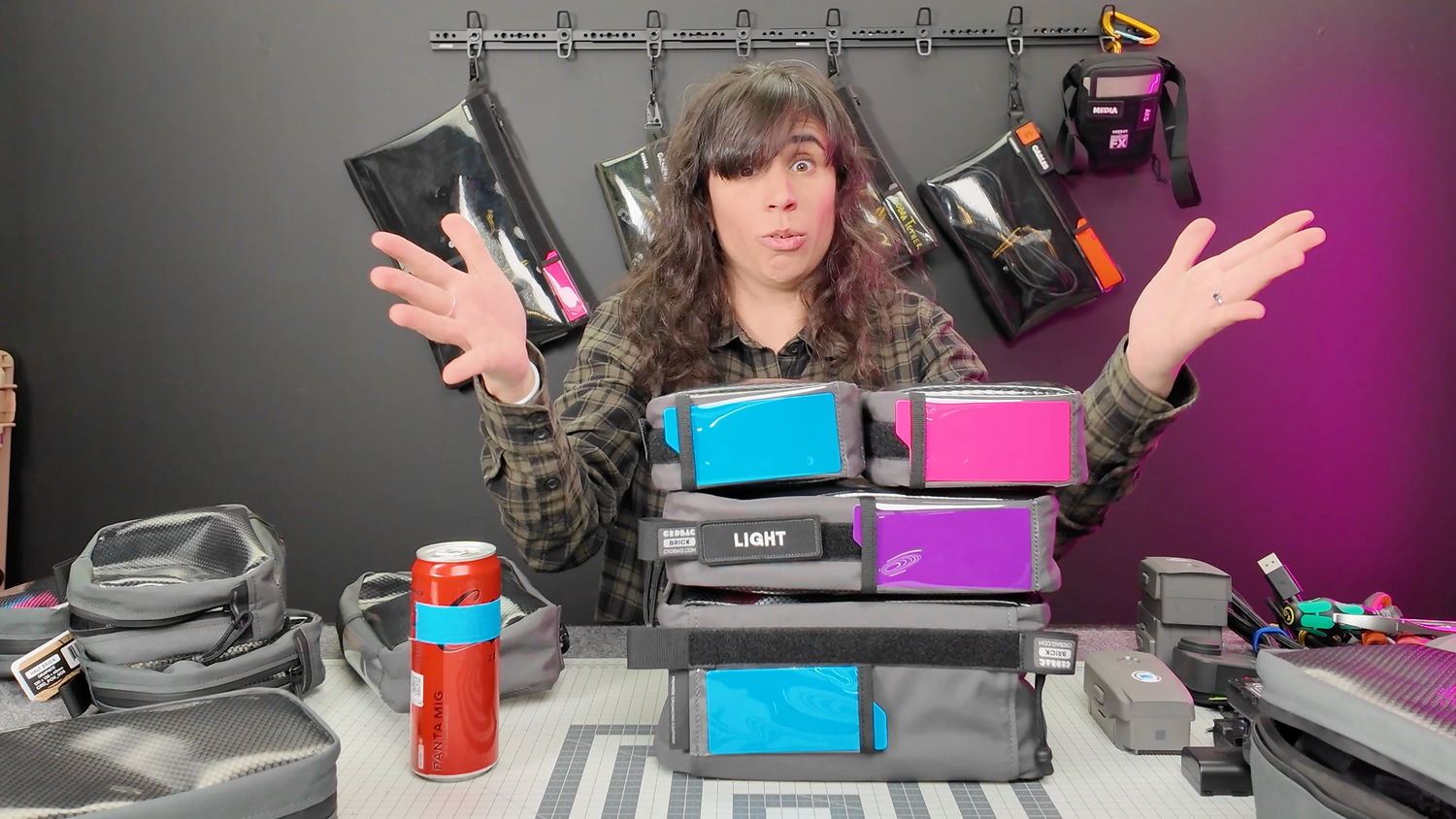
Real-World Capacity (The Fun Test)
To make things more visual:
- Half Brick → ~1 soda can (comfortably)
- Full Brick → ~3 soda cans
- Mega Brick → ~7 cans (8 if you really push it)
I'ts not a scientific test, but surprisingly useful to understand their volume.

CRDBAG Bricks aren’t just about storage. They help you:
- Protect your gear
- Organize everything clearly
- Label & track what’s inside
- Systemize your workflow
And most importantly: 👉 Always know where your gear is
Got a specific setup and not sure what fits where?
Let us know, we might test it in the next workshop.
You can watch the full workshop here:


Lämna en kommentar
Alla kommentarer granskas innan de publiceras.
Denna webbplats är skyddad av hCaptcha och hCaptchas integritetspolicy . Användarvillkor gäller.